

Bank transfer, direct debit
or card: how they differ.
There are three main ways to pay rent. Pay the same rent for a year, and only card payment leaves you with something more.
If you pay ¥100,000 a month in rent for a year
- Bank transfer
- Points/miles
- None
- Card spending
- ¥0
- Direct debit
- Points/miles
- None
- Card spending
- ¥0
- With
 Card payment
- Points/miles
- about 12,000
- Card spending
- ¥1,200,000
Estimate for a card with a 1.0% reward rate. Whether you earn points or miles, and at what rate, depends on your card. The service fee also counts toward your annual card spending (it is not included in the figures above).
Only with card payment.
- Earn card points and miles
- Bank transfer: —
- Direct debit: —
- Card payment:
- Counts toward your annual card spending
- Bank transfer: —
- Direct debit: —
- Card payment:
- Brings you closer to annual fee benefits or a higher-tier card
- Bank transfer: —
- Direct debit: —
- Card payment:
When you pay, what it costs, when it arrives
- When you pay
- Bank transferYou transfer it yourself every month
- Direct debitTaken from your bank account on a set day every month
- Card paymentFirst payment in the app, then charged automatically on the 25th of every month
- Costs
- Bank transferBank transfer fee (depends on the bank and amount)
- Direct debitDepends on the property
- Card paymentService fee: 3.3% (tax incl.)
- When your landlord gets paid
- Bank transferThe day you transfer
- Direct debitA set day for each property
- Card paymentThe 25th of the month after your card payment
- Contacting your landlord or management company
- Bank transferNot needed
- Direct debitNot needed
- Card paymentNeeded before you start
RentEase can’t be used for properties where rent is paid by direct debit through a rent guarantee company and can’t be switched to bank transfer.
How to start paying by card
Even if your property doesn’t accept cards, you can start in 3 steps with the RentEase app.
-
1Get the app and sign up
Download it for free from the App Store or Google Play. You can verify your identity on your phone.
-
2Tell your landlord and add your property
Confirm the bank details with your landlord or management company, and that rent will arrive on the 25th of each month (the 25th of the month after your card payment). Then enter your property and bank details in the app. Your registration is reviewed after you submit it.
-
3Add your card and pay
Add your card and tap [Pay now] to make your first payment right away. After that, your card is charged automatically on the 25th of every month.
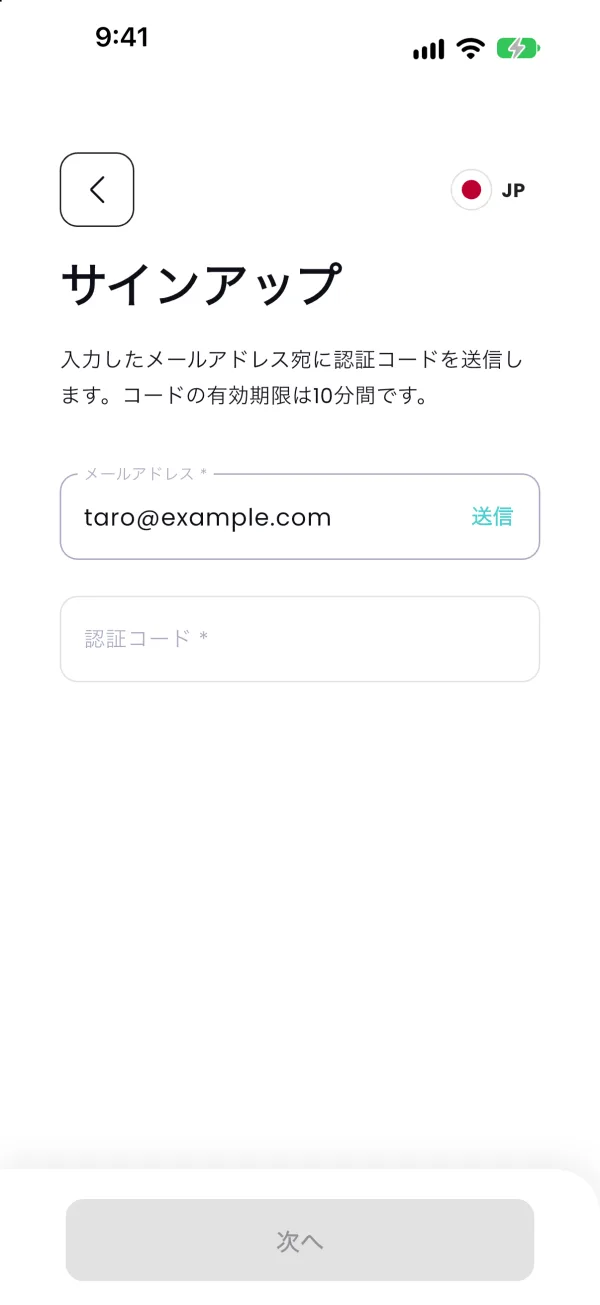
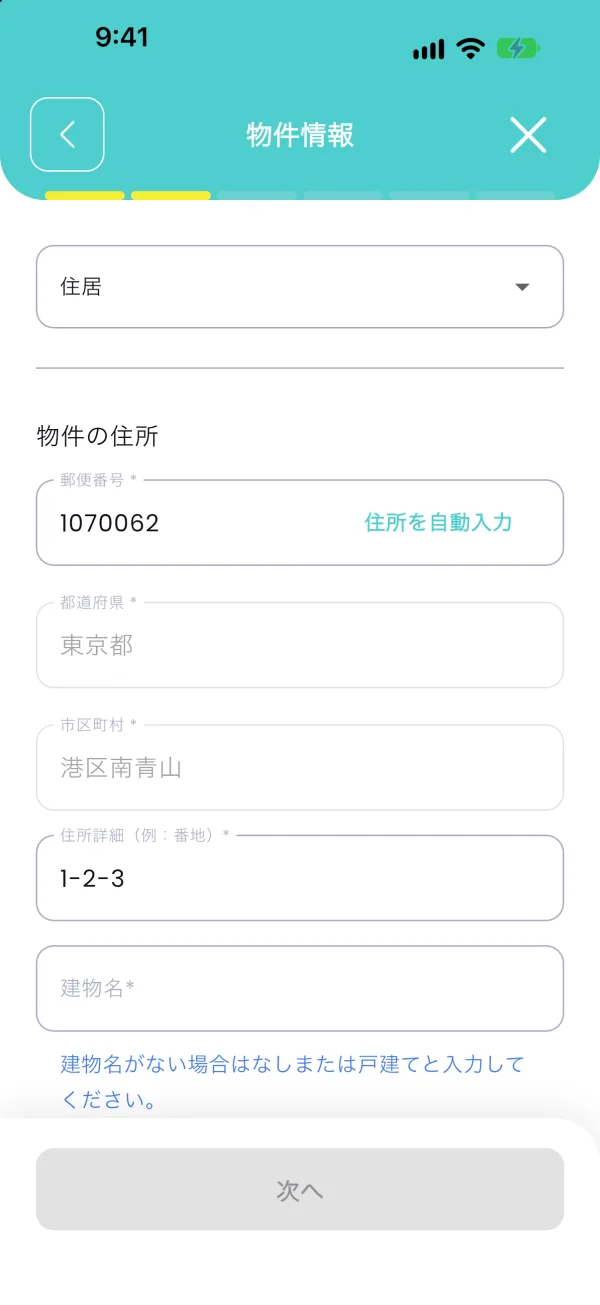
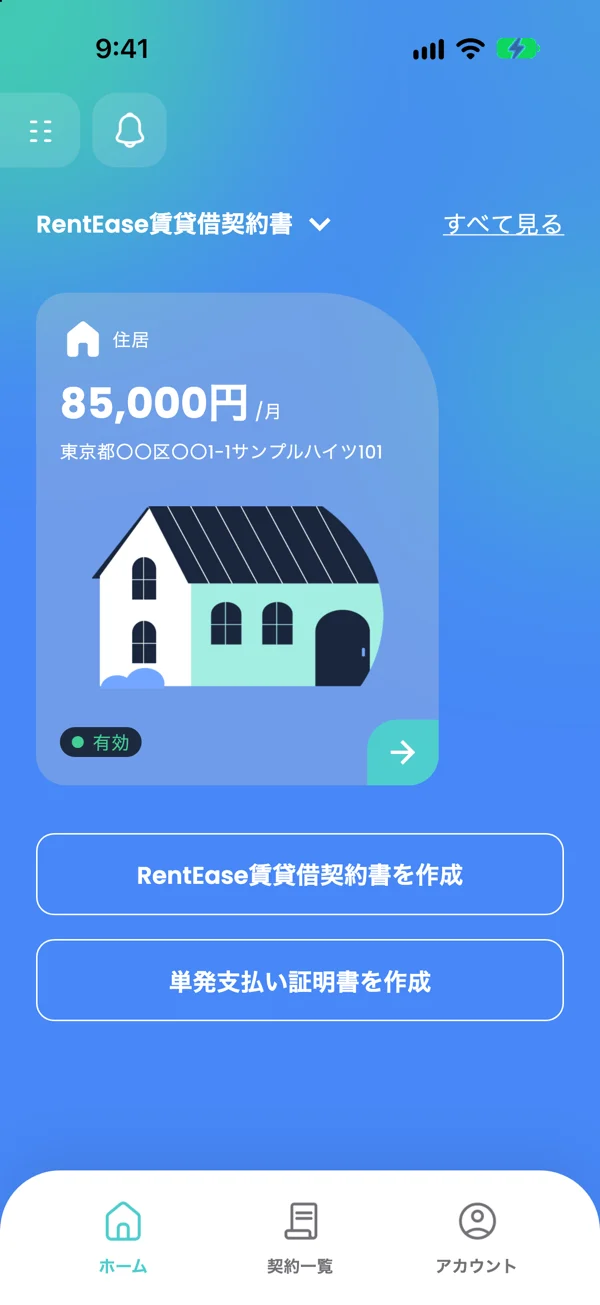
Amounts and addresses on the app screens are examples.
Pay your next rent
by card.
The service fee is 3.3% (tax incl.). No setup or monthly fees.