
Start paying
rent by card.
Even if your property doesn’t accept card payments, you can register it in the app.


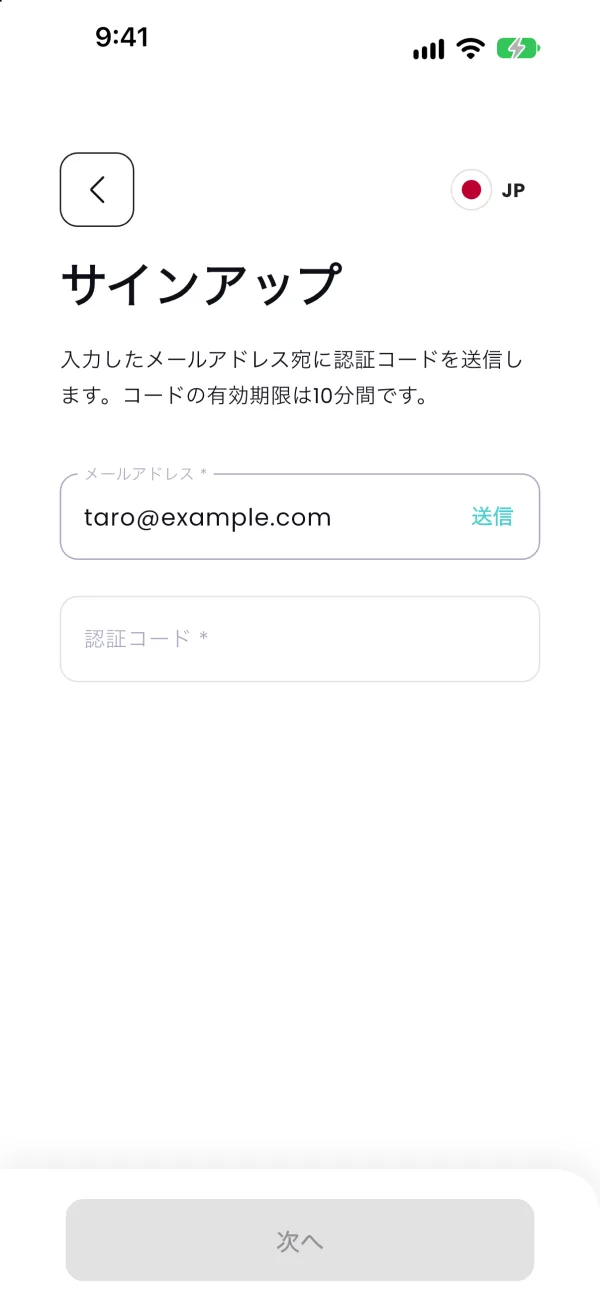
- Sign up
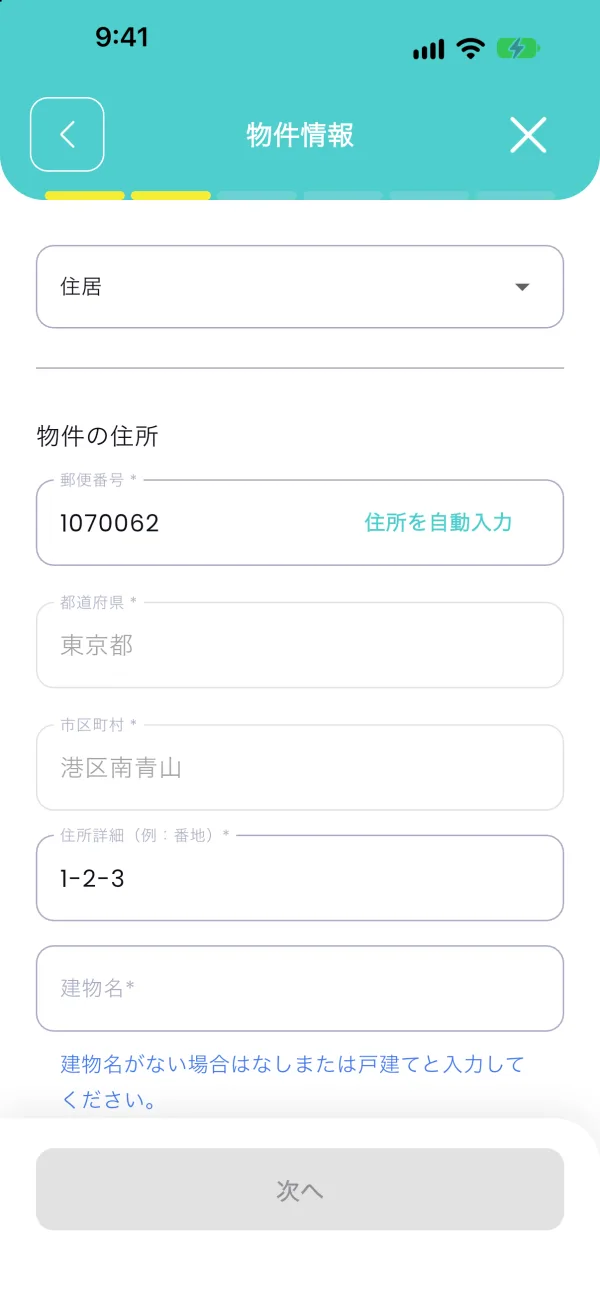
- Add property
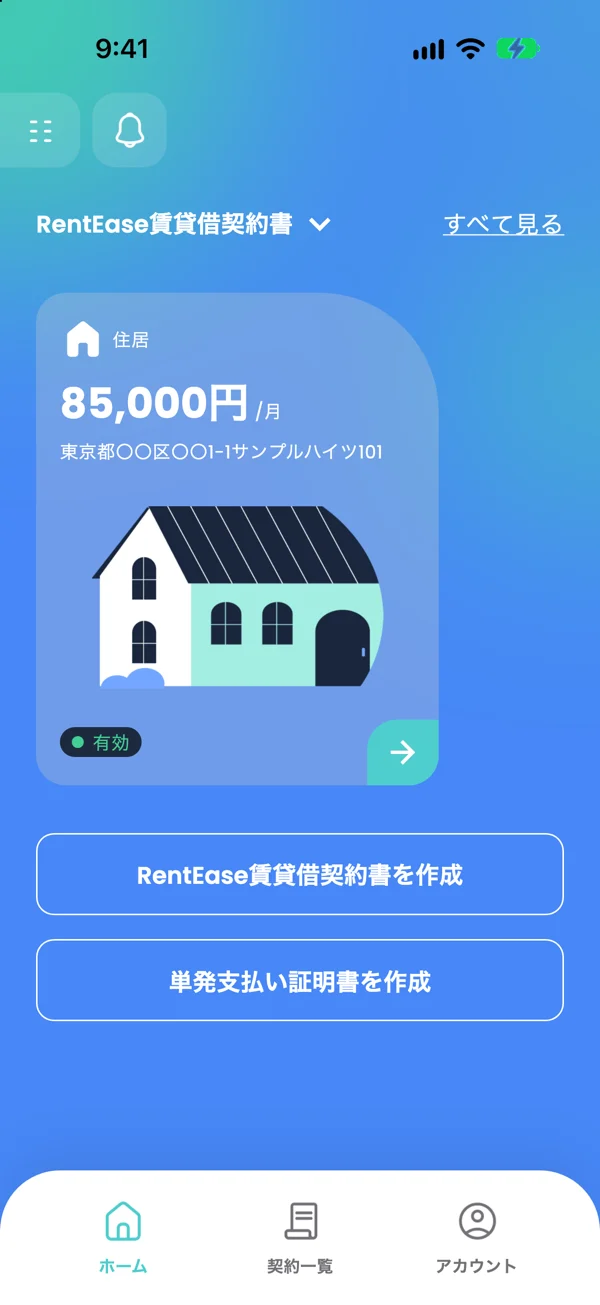
- Payment
01
You only need three things.
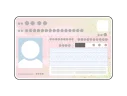
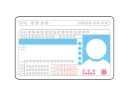

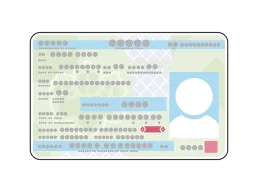


*Your ID must be valid (not expired). My Number Card must have a photo (the notification card cannot be used).
*You can also pay rent for a family member’s home, or pay with a corporate card.
02
Two ways to pay.
Pay monthly rent automatically, and move-in costs or renewal fees whenever needed, by card. Choose what to create in the app based on how you pay.
Monthly rent
Rent, common area fees, parking and other monthly payments to the same account
- Create in the app
- RentEase Lease Agreement
- Charged
- Automatically on the 25th
Move-in costs, renewal fees, etc.
Deposit, key money, renewal fees, or a single month’s rent
- Create in the app
- One-Time Payment Certificate
- Charged
- Once, on the day you pay
03
Your landlord is paid
on the 25th of next month.
Whatever day of the month your card is charged, RentEase transfers the money to your landlord or management company on the 25th of the following month.
First month onlyPay the rent for the month of your first card payment yourself, as you do now. RentEase’s first transfer is on the 25th of the following month.First payment and transfer dates
If the 25th is a weekend or holiday, we transfer on the next business day.
If your rent includes utilities (variable costs)
See an example: your first charge on November 10
November
Pay November’s rent yourself
- 1
- 2
- 3
- 4
- 5
- 6
- 7
- 8
- 9
- 10
- 11
- 12
- 13
- 14
- 15
- 16
- 17
- 18
- 19
- 20
- 21
- 22
- 23
- 24
- 25
- 26
- 27
- 28
- 29
- 30
- 10thFirst payment
December
Every 25th from now on
- 1
- 2
- 3
- 4
- 5
- 6
- 7
- 8
- 9
- 10
- 11
- 12
- 13
- 14
- 15
- 16
- 17
- 18
- 19
- 20
- 21
- 22
- 23
- 24
- 25
- 26
- 27
- 28
- 29
- 30
- 31
- 25thFirst transfer
- 25th2nd payment
January
Every 25th after that
- 1
- 2
- 3
- 4
- 5
- 6
- 7
- 8
- 9
- 10
- 11
- 12
- 13
- 14
- 15
- 16
- 17
- 18
- 19
- 20
- 21
- 22
- 23
- 24
- 25
- 26
- 27
- 28
- 29
- 30
- 31
- 25thTransfer
- 25th3rd payment
Nov 10
- First payment
Dec 25
- First transfer
- 2nd payment
Jan 25
- Transfer
- 3rd payment
- Card payment
- Transfer to your landlord
04
Sign up free, right on your phone.
Two steps in the app (4-1, 4-2)
Next video Video 2: Contacting your landlord or management company
-
4-1
Download the app
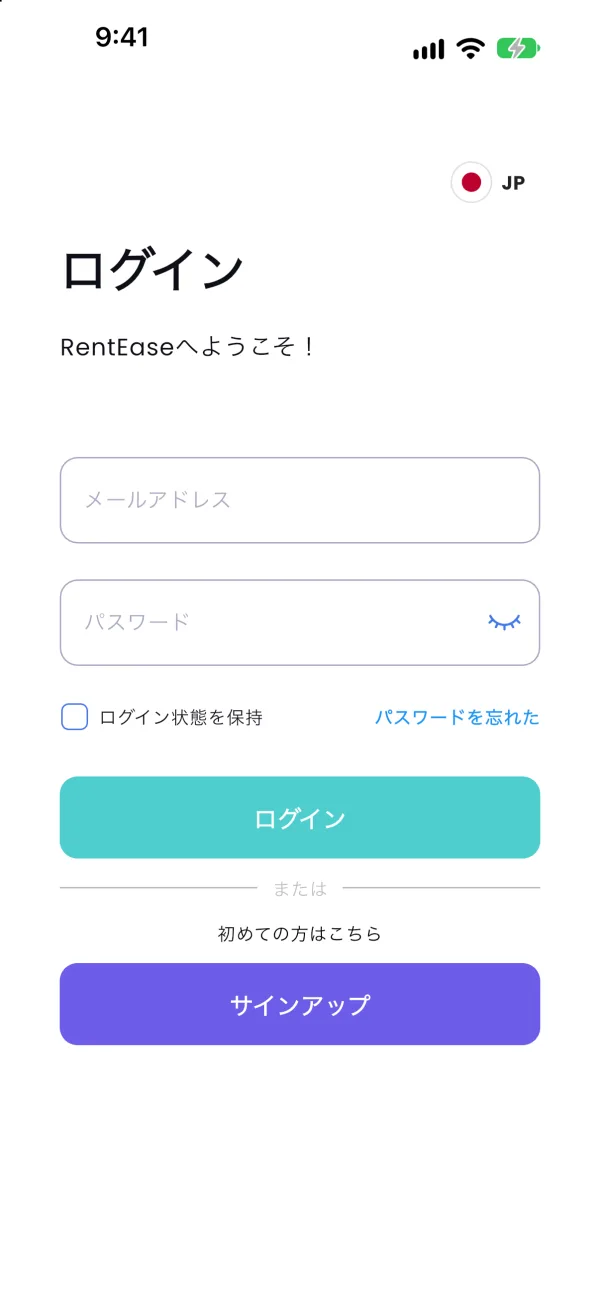
It’s free. Open the app and tap [Sign Up].
Watch the videoCreating an account and verifying your ID1:54 Next video Video 2: Contacting your landlord or management company
-
4-2
Sign up & verify ID
Enter your email and tap [Send], then enter the code you receive. Take photos of your ID and your face.
Enter your name and date of birth exactly as they appear on your ID (otherwise verification will fail)
If identity verification fails
05
Tell your landlord three things first.

- 1 Rent will be paid by bank transferIf you pay by direct debit, ask for their bank details. Also check which month’s rent the transfer on the 25th will cover.
- 2 Transfers arrive on the 25th of each monthOn weekends and holidays, the next business day.
- 3 Transfers are made in the leaseholder’s nameYour landlord or management company can confirm it like any other payment.
Next video Video 3: Creating a RentEase Lease AgreementVideo 4: Creating a One-Time Payment Certificate
06
Add your property and card.
Two steps in the app (6-1, 6-2)
Next video Video 5: Adding your credit card and paying
Other videos Video 1: Creating an account and verifying your IDVideo 2: Contacting your landlord or management companyVideo 3: Creating a RentEase Lease AgreementVideo 4: Creating a One-Time Payment Certificate
-
6-1
Add your property
Tap [Create RentEase Lease Agreement] on the home screen. Enter the rent, property and bank details, then upload a photo of your lease. Your RentEase Lease Agreement is reviewed after you create it. You can pay once it is approved.
Enter the bank account you confirmed with your landlord or management company
How to set up bank transfer detailsWatch the videoCreating a RentEase Lease Agreement2:14 Next video Video 5: Adding your credit card and paying
-
6-2
Add your card to finish
Add your card, choose it in [Payment settings] and tap [Pay now] to make your first payment. After that, it’s automatic on the 25th of every month.
For one-time payments such as move-in costs or renewal fees, use [RE One-Time Payment] on the home screen.
Use a card in the same name as the app user
Watch the videoAdding your credit card and paying1:54 Other videos Video 1: Creating an account and verifying your IDVideo 2: Contacting your landlord or management companyVideo 3: Creating a RentEase Lease AgreementVideo 4: Creating a One-Time Payment Certificate
07
Move-in costs and renewal fees,
by card too.
Create a “One-Time Payment Certificate” in the app to pay move-in costs or renewal fees by card.
- Move-in costsDeposit, key money, etc.
- Renewal fees
- A single month’s rente.g. just this month by card
- 1Create your accountDownload the app and sign up with your email. Take photos of your ID and your face to finish.
- 2Tap [RE One-Time Payment] on the home screenThis is a different button from [Create RentEase Lease Agreement], which is for monthly rent.
- 3Enter the type, amount and bank detailsUse an invoice or lease that shows the amount and bank account.
- 4Add your card and payYour One-Time Payment Certificate is reviewed after you create it. You can pay once it is approved.
Next video Video 5: Adding your credit card and paying
The transfer is on the 25th of the month after you pay
- Pay on April 1Transfer on May 25
- Pay on April 30Transfer on May 25
If the 25th is a weekend or holiday, we transfer on the next business day.
3.3%
Service fee (tax incl.)Same as for monthly rent. No initial or monthly fees for the app.
08
Check these before
each monthly payment.
If a payment fails, the transfer to your landlord or management company is not made either.What to do if a payment fails
09
Questions? Our AI chat answers right away.
- Do I need to contact my property management company or landlord before starting RentEase?
- Can I use RentEase while keeping direct debit as my payment method?
- Does the person paying the rent have to be the leaseholder?
- When is my first card payment made, and when is the rent transferred?
- How to Cancel a Subscription
Does this mean I’m borrowing money?No. Your rent and the service fee are charged to your card when the payment is made.
Ask the AI chat
Ask in your own words and get an answer on the spot.

Pay your next rent
by card.